
Know where you stand
Trial balance, profit and loss, and balance sheet reports bring the books into focus.
FOLIO 2.3.1 · WINDOWS + ANDROID
From the first sale to the final balance.
Bring your invoices, accounts and stock together in one clear workspace.
Made for everyday business. Connected across your office.
Every number
tells a story.
A PLACE FOR EVERY DETAIL
Simple daily work. Structured accounts.
Choose a view to see Folio in action.
Create bills, add an item while invoicing, and make your A4 print layout your own. Keep payments and balances close at hand.
View the full feature guide ↗Trial balance, profit and loss, and balance sheet reports bring the books into focus.
Manage products, prices and GST rates alongside your customers, suppliers and purchases.
Preview and validate supported spreadsheets and data exports before importing them.
FOLIO IN YOUR HAND
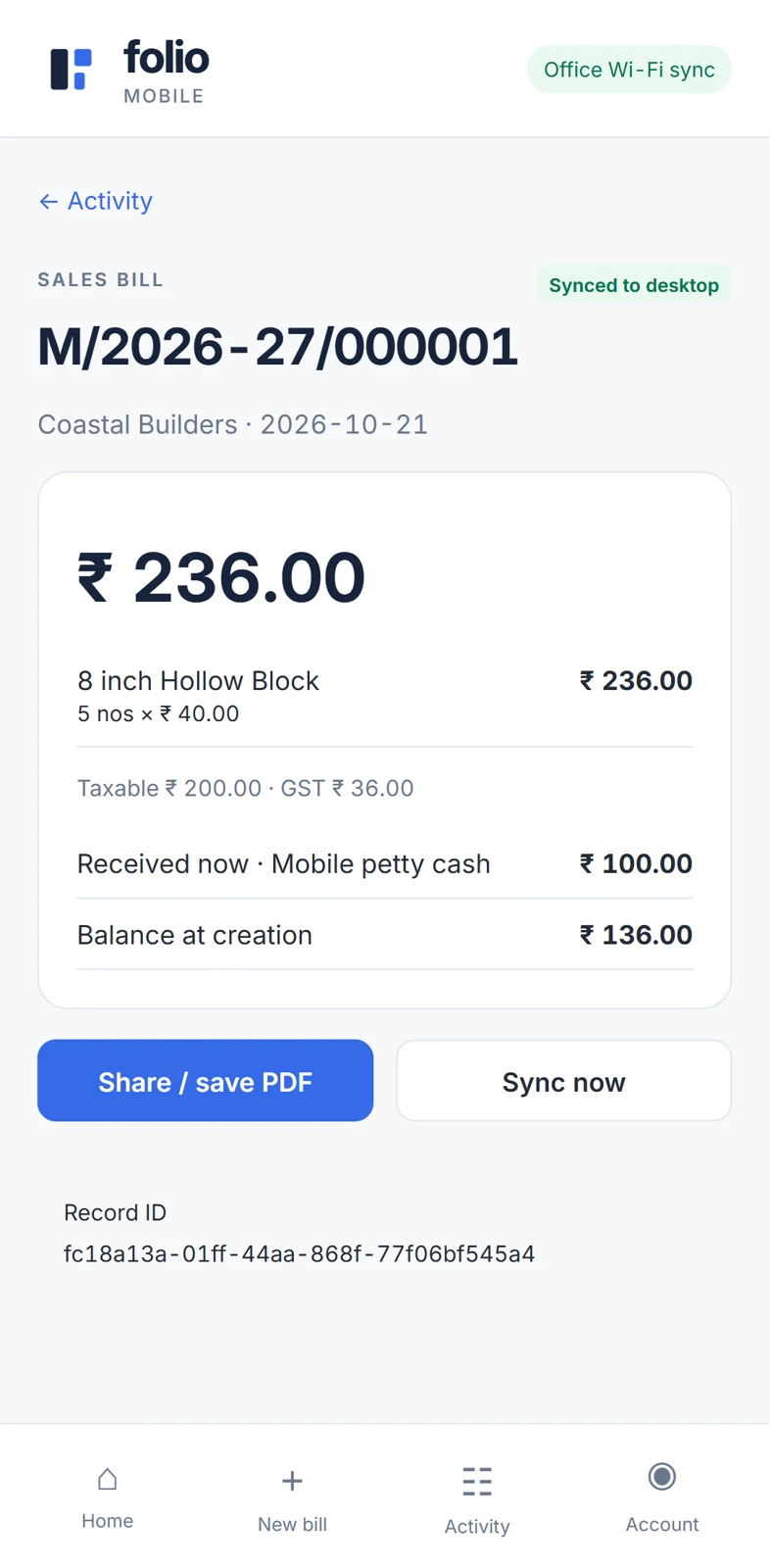
Bill from your Android phone. Record the money received. Sync to the office through the Folio cloud, from anywhere.
No need to be on the office Wi-Fi. Mobile cloud sync is set up on request, so contact us to connect your phone. Offline entries wait for desktop acceptance.
BUILT AROUND YOUR OFFICE
Keep one office PC as your host and let your team work from other PCs on the local network.
One set of books
Connect staff to the central office database.
You choose the access
Approve sign-ups and assign operator or viewer roles.
Your next step, made easier
Group ledgers, duplicate journals and review Excel paste before applying entries.
A THOUGHTFUL MOVE TO FOLIO
Import supported Excel, CSV, TSV, JSON, XML and SQLite records with column mapping and validation. Keep a backup and review your data before it enters the books.
Proprietary backups and complex exports may need a separate converter. Available imports depend on the record type.
YOUR NEXT CHAPTER STARTS HERE
Download Folio 2.3.1. Set up your desktop, then connect your Android phone. Each app needs a serial key, contact us to get yours.
Your complete workspace for billing, stock, accounts and office sharing.
Download Windows installer Version 2.3.1 · EXE · 46.4 MB · Opens Google DriveQuick sales and receipts, synced with your Folio desktop through the cloud.
Download Android APK Version 2.3.1 · APK · 509 KB · Opens Google DriveSERIAL KEYS & SUPPORT
Each Folio app is activated with its own serial key. Get in touch for a key or to set up mobile cloud sync.
Every Windows and Android app needs a serial key to activate. Contact us by email or WhatsApp to get yours.
Connect your Android phone to your Folio desktop through the cloud, with no office Wi-Fi needed. Contact us to get it set up.
Enjoying Folio? Support its development with a small UPI contribution. Email us and we'll send you the UPI details.
No. An office Windows PC hosts the shared books, and staff PCs connect to it over your local office network. Android phones sync through the Folio cloud, so they don't need to be on the office Wi-Fi.
The Android app can save entries on the phone offline after setup and catalogue sync. Reconnect to the internet and it syncs through the cloud. Entries are confirmed when accepted by the desktop.
Download the APK on your Android phone, open it, and follow Android's installation prompts. Then contact us for your serial key and to set up mobile cloud sync with your office PC.
Folio can inspect supported exports and some database backups. An unknown, encrypted or proprietary backup needs a compatible converter; it cannot be imported automatically in every case.
Yes. Each Folio app is activated with its own serial key. Email muhammadnihalrk@gmail.com or WhatsApp +91 80788 51974 to get one.
This release includes Windows desktop software and an Android APK. An iPhone app is not included.